Steven or golf?
Mohnish Pabrai · The Diary Of A CEO
 SiftGem
Follow SiftGem
SiftGem
Follow SiftGem
Analyze a recording, discover moments and longer stories, and produce captioned vertical videos
Follow the cut Watch the finished clipsFor podcasts, interviews, and recorded streams
One moment, before and after SiftGem
Scroll to follow the same nine seconds
Keep your sources, saved analyses, and finished clips together in the video library
Three clips exported from the product
Play them with sound
Mohnish Pabrai · The Diary Of A CEO
Walter Isaacson · Lex Fridman Podcast
CaseOh · Recorded stream
Studio Talk Clips & Where The Clips
Real exports from our production workflow
Podcast & interview clips
Produced with SiftGem
Clips from recorded streams
Produced with SiftGem
SiftGem works with local video files and supported YouTube, Twitch, and Kick recording links
The application currently runs locally with a browser interface
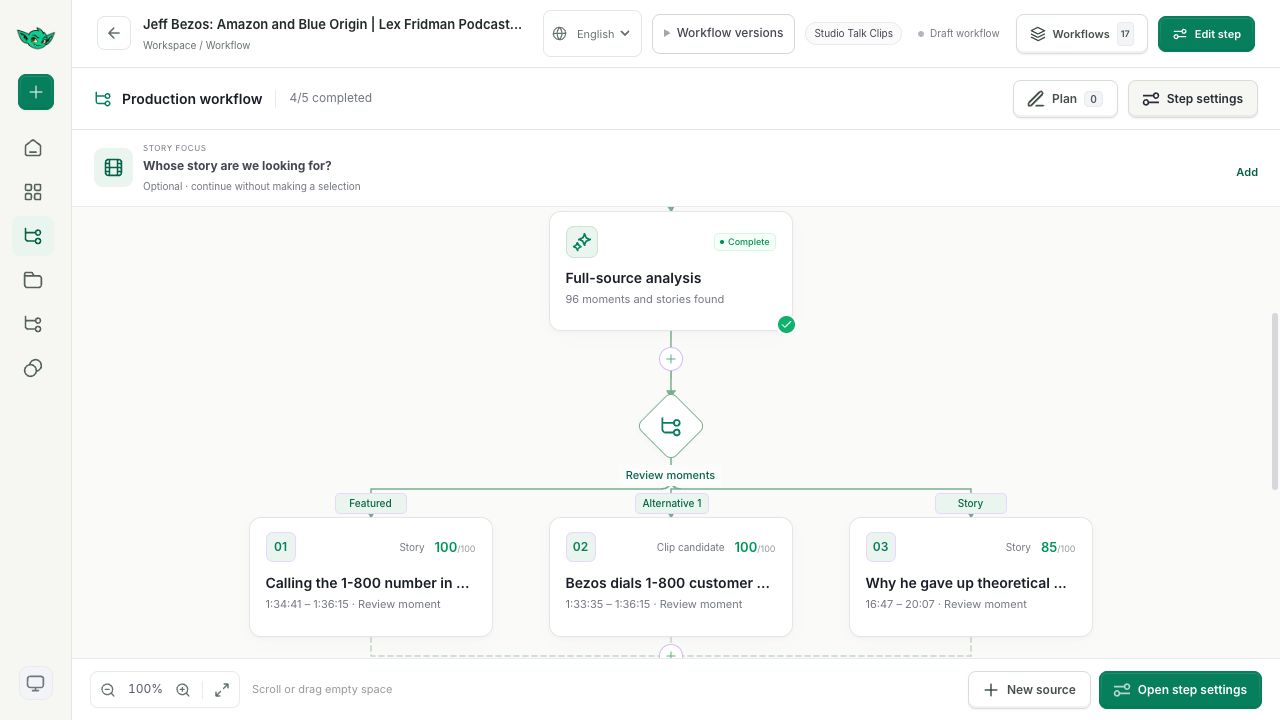
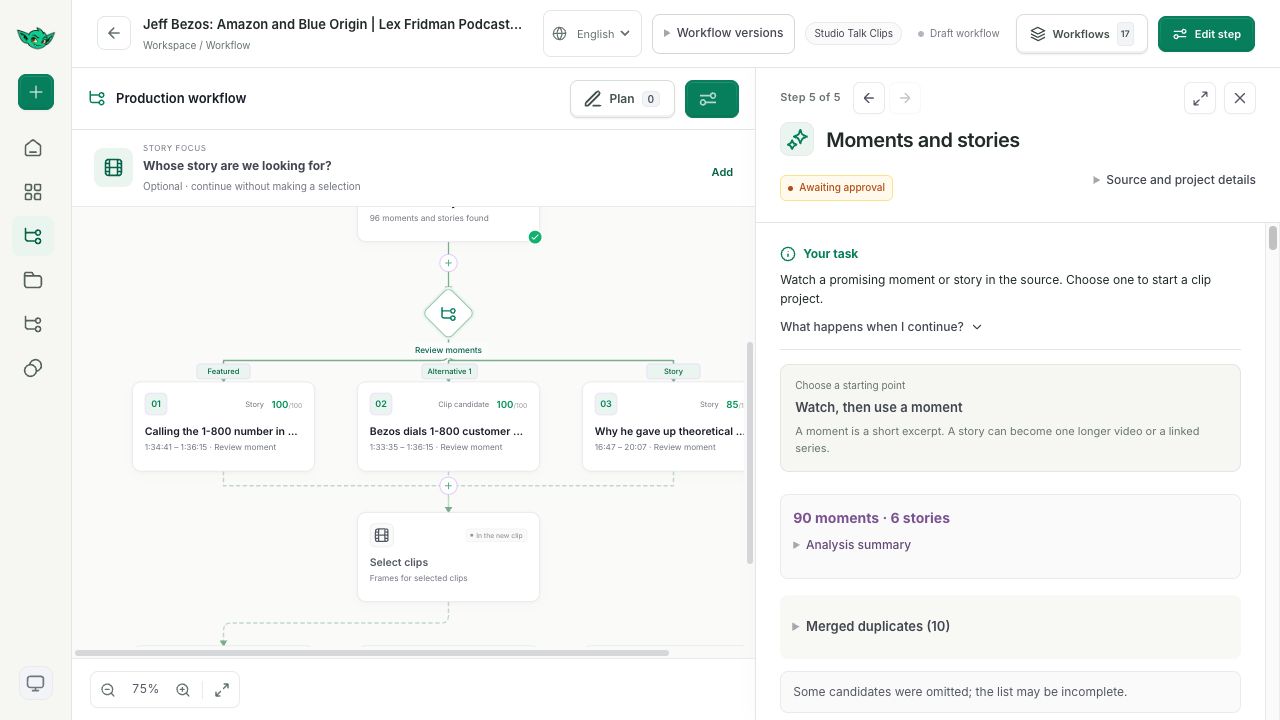
Full-source analysis prepares the transcript and identifies moments and longer stories as separate candidates
Review their timestamps, source context, and analysis before choosing what to produce
Choose a full story, independent short clips, or a series of 2–4 parts
For a series, review and approve the proposed parts before production
Edit caption text, choose a caption style, and set the watermark, cover, and background music
Framing options depend on the source and include keeping the full image, using the suggested plan, and speaker tracking on supported footage
Contact us about access and tell us what kind of recordings you work with
Talk to usTell us what you want to make